Here at Erogarga we watch a lot of adult content, and over the last few months one question keeps showing up in our inbox: can AI actually make decent porn videos now? The short answer is yes. This guide covers the whole NSFW image to video process, from the first picture to a finished clip. We’re talking about animating AI images you create yourself, not photos of real people.
No hype and no fake “top 10” lists. Just what works, what doesn’t, and how to get good results without wasting credits.
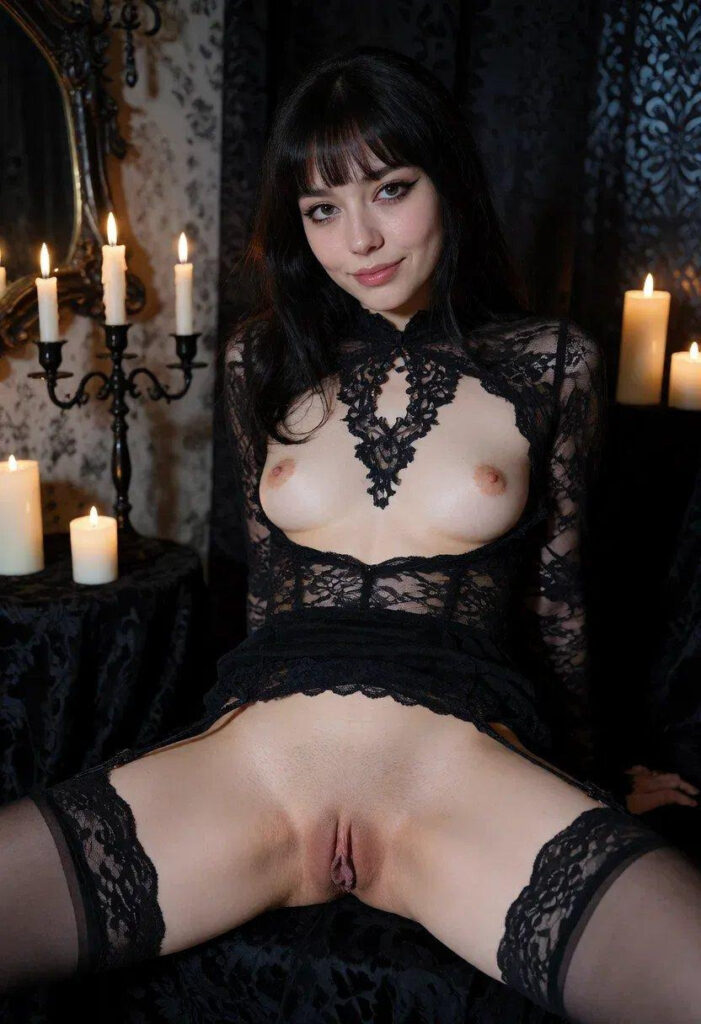
How an AI Video Porn Generator Turns a Still Image Into a Clip
Under the hood, every NSFW AI video generator runs on the same kind of text-to-video and image-to-video models you see in mainstream AI. A diffusion model looks at your starting picture, reads your prompt, and predicts how each frame should change over 5–10 seconds.
In practice it goes like this:
- It reads the image. Character, pose, background and lighting.
- It reads your prompt. What should move, how the camera behaves, what the mood is.
- It renders the clip. Usually 24 fps, somewhere between 480p and 1080p.
Text to video works the same way, except the AI also has to invent the scene. For adult content, though, we found image to video gives far better control over how the model looks.
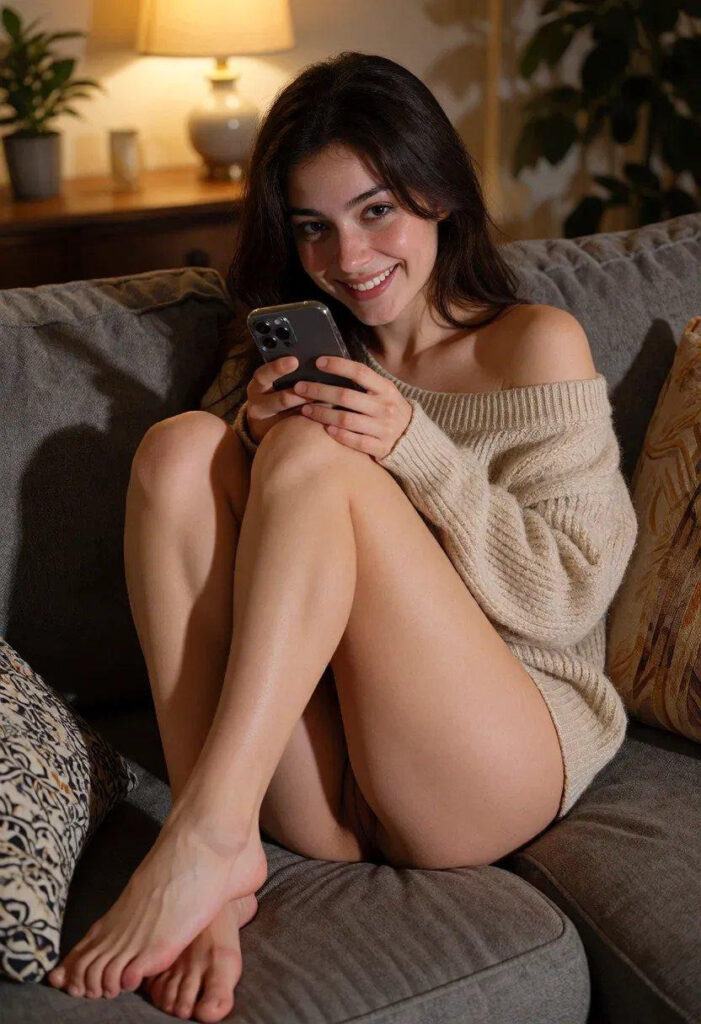
Step 1: Create a Sharp Starting Image With an AI Porn Image Generator
Every good clip starts with a good still. The rule is simple: a sharp, well-lit picture gives smooth motion, while a blurry one gives a mess.
For all the pictures in this post we used this AI porn image generator. You pick a style, describe the girl you want, and get finished images in seconds.
What works best:
- Pick one style and stick to it: realistic, anime or fantasy.
- Describe everything: body, hair, outfit, room and lighting.
- Make several versions and keep only the sharpest one for animation.
- Save your description so the same character looks the same in every picture.
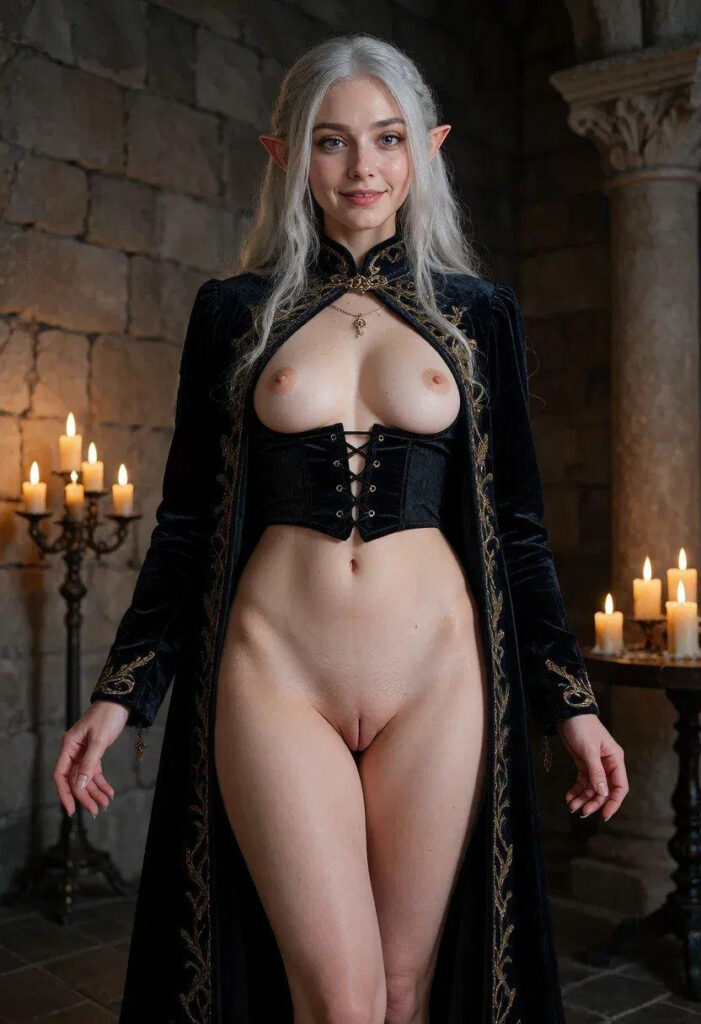
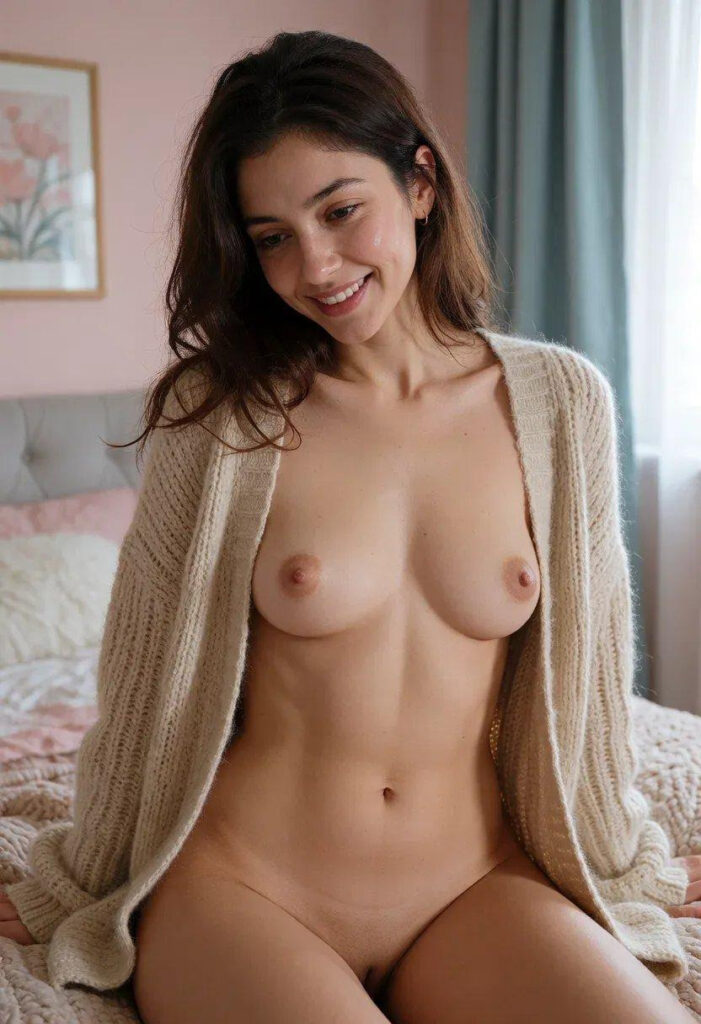
Step 2: Upload the Image, Add a Prompt and Generate the Video
Once you have your picture, open an AI video porn generator and the rest takes a couple of minutes:
- Upload the picture. Use your own AI character, never a photo of a real person who hasn’t agreed to it.
- Write a short prompt about the movement, the camera and the mood (tips below).
- Choose the settings: length, quality, style and sound if it’s offered.
- Generate, watch, adjust. Change one thing in the prompt and run it again.
- Extend the clip if you want a longer scene.
Your first clip will rarely be perfect, so plan on two or three runs to get the motion right.
7 Features That Make a Good AI Porn Video Generator
These are the features that make the biggest difference:
| Feature | What we look for | Why it matters |
| Input | Image to video and text to video | More ways to start a scene |
| Clip length | 5–10 s plus an extender | Longer scenes without starting over |
| Quality | 720p or 1080p | Looks good on a big screen |
| Styles | Realistic, anime, fantasy | One tool for every taste |
| Sound | Optional audio | Feels more real |
| Pricing | Clear plans, no hidden limits | You know what you pay for |
| Privacy | Private gallery, auto-delete | Your stuff stays yours |
NSFW Video Prompts: Keep Them Short and Start With the Action
The best clips come from short prompts. Long, messy prompts confuse the model and you get shaky, weird motion. If you want to know why, Hugging Face has a solid explainer on text-to-video.
- Start with the action: “she slowly turns toward the camera.”
- Add the camera: “slow zoom in”, “close-up”, “handheld”.
- Set the light: “warm candlelight” or “red neon” changes the whole vibe.
- Match the picture: don’t ask for an outfit or room that isn’t in the image.
- Use negative prompts: “blurry, extra fingers, distorted face”.
When a prompt works, save it. After a week you’ll have your own set of templates.
4 NSFW Video Prompt Examples You Can Copy
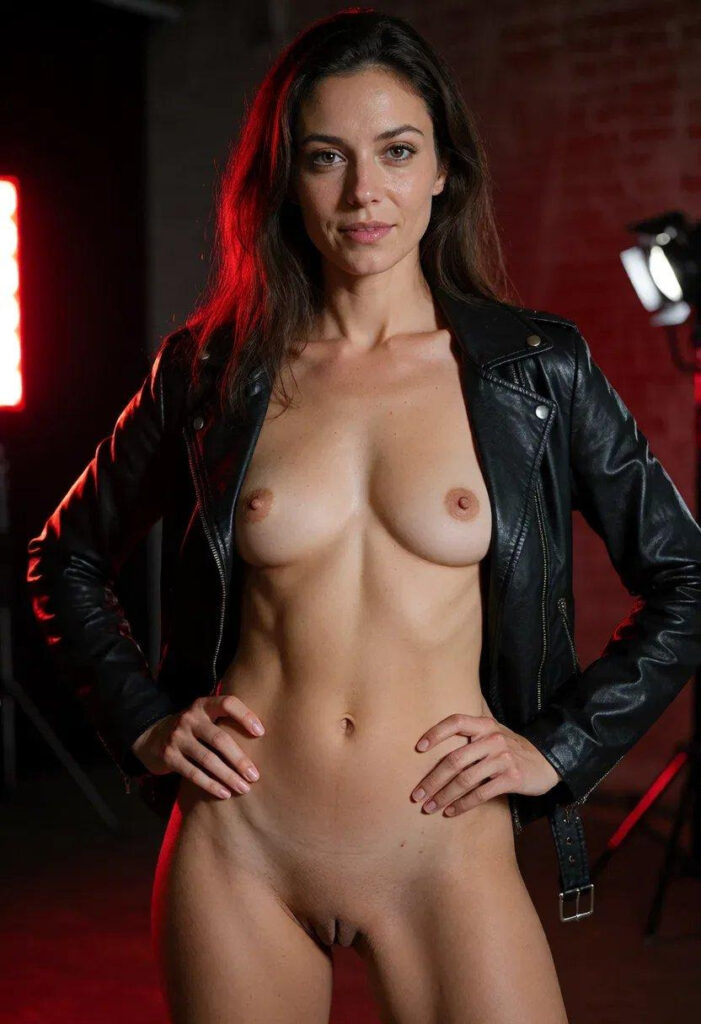
These NSFW video prompts work well as a starting point. Swap in your own character details, keep the same structure, and change one part at a time.
- Slow reveal: she slowly turns her head toward the camera and smiles, soft candlelight flickering, slow zoom in, cinematic lighting.
- Morning in bed: morning light through the curtains, she stretches and pulls the blanket closer, handheld camera, warm tones.
- Neon studio: red neon light, she walks toward the camera with confident steps, the camera tracks backward, shallow depth of field.
- Anime scene: anime style, her hair moves in a light breeze, she winks at the camera, smooth 2D animation.
Add a negative prompt to each one, for example “blurry, distorted face, extra fingers, flickering”.
5 Common Mistakes in AI Porn Clips and How to Fix Them
Most bad clips come from the same few problems, and each has a simple fix:
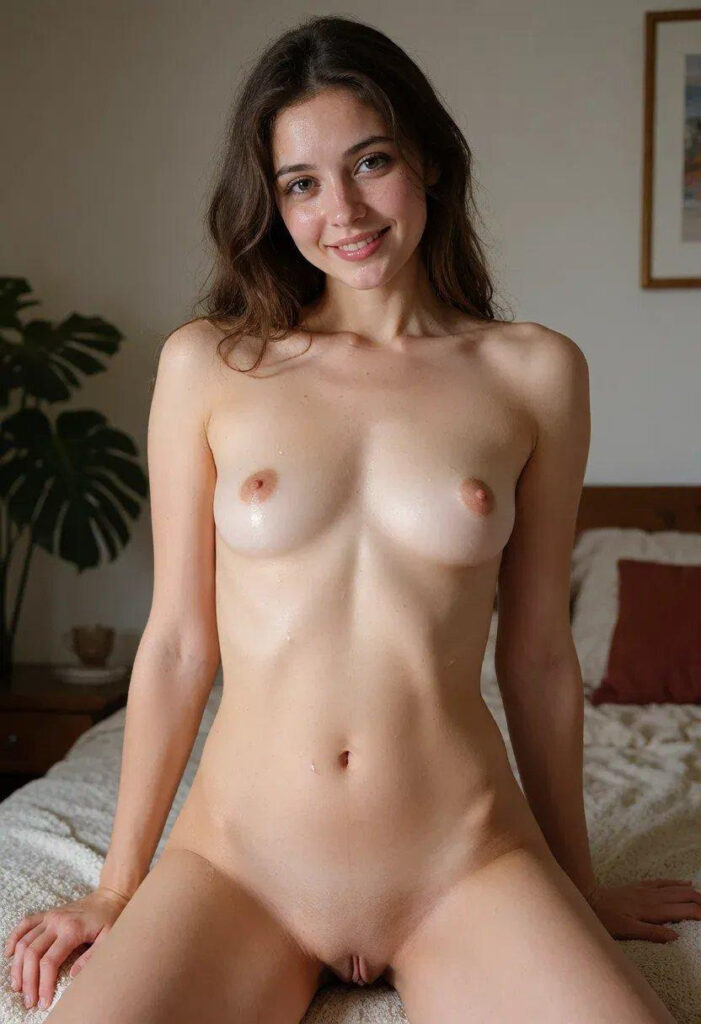
- The face changes during the clip. The face in the starting image is too small or low resolution. Use a close or medium shot in high resolution.
- Shaky, jittery motion. The prompt asks for too many actions at once. Keep one main action per clip.
- Warped hands or extra fingers. The hands are cropped or hidden in the image. Pick a picture where the hands are clearly visible, and add them to the negative prompt.
- Clothes or the room change. The prompt describes things that are not in the picture. Describe only what is already there.
- The clip looks static. There is no camera direction. Add “slow zoom in” or “the camera slowly circles around her”.
A good starting image looks like this: sharp, well lit, with the face and hands clearly visible.
Uncensored NSFW AI Video: Adults Only, No Real People Without Consent
“Uncensored” means adult content with fictional adult characters is allowed. Every serious site still keeps the same hard lines: adults only, no real people without their clear consent, and nothing illegal.
About sign up: a no sign up tool is fine for a quick test. An account usually gets you longer clips, better quality and a private gallery. Also check that uploads get deleted and that your clips are not public by default.
FAQ: Price, Clip Length, Anime Styles and Legality
Can I use an AI porn video generator for free?
Some tools offer a short trial or a limited free plan, but good quality, longer clips and HD usually need a paid plan.
Image to video or text to video, which is better?
For adult content, image to video. Your character stays the same in every clip.
Can it do anime?
Yes. Most tools have realistic, anime and fantasy styles.
How long are the videos?
Usually 5–10 seconds per run. An extender can join them into a longer scene.
Is it legal?
Making porn with fictional adult characters is legal in most places. Using a real person without consent, or anything with minors, is illegal and banned everywhere.
Verdict: A Sharp AI Image and a Short Prompt Give the Best Clips
AI porn has come a long way. Make a clean picture with a good AI porn image generator, animate it with an AI video porn generator, keep your prompts short, and you’ll get smooth, clean clips in a few minutes. Pick a character, write your first prompt and see what you can make.